Turian 4: Android, on .NET 11 from Day One
.NET 11 shipped on 2026-11-10. Turian 4 ships with it, and it brings the thing I have wanted since the first triangle: your game, on your phone.
- Why 4.0
- .NET 11 and CoreCLR on Android
- Your Game, on Your Phone
- One Command to the Device
- Built for Touch
- The Potpourri Demo
- Android Is a Brick
- What You Need
- With your help
Why 4.0
It is time to move the pointers, because moving the engine to .NET 11 could not be done compatibly. Every project now builds against net11.0, and you need the .NET 11 SDK to build one at all. On Android the floor rises with it: Android 13 and Vulkan 1.3 are the minimum the new runtime and the renderer need there.
.NET 11 and CoreCLR on Android
For as long as C# has run on phones, it has run on a different runtime there than everywhere else. Mono carried .NET to Android for more than a decade, and it did that job well, but it meant your game ran on one runtime while you tested it on your computer and another while your players held it in their hands. All the same but all different.
.NET 11 ends that. On Android, CoreCLR is now the runtime: the same one behind every ASP.NET server and every desktop .NET app, garbage collector, JIT and tooling included. It is not an option you opt into: .NET 11 builds Android apps this way now (Microsoft Learn, .NET Blog). For a game engine written in C#, that is the good kind of news: the engine your game runs in Studio, the one your server runs, and the one in the player's pocket are finally the same runtime.
Turian 4 builds its Android exports on .NET 11 and CoreCLR, and it does so the week .NET 11 shipped. Unity has been working toward CoreCLR too, but its Android builds still run Mono today, and Godot's C# scripting is Mono as well. As far as I can tell, that makes Turian the first game engine you can ship an Android game on CoreCLR with.
Here a deserving "Thank you" to the .NET team for bringing CoreCLR to mobile after years of work.
The Game on Your Phone
Add an Android build profile, set your application identifier, and export. You get a signed APK, and for release builds an Android App Bundle ready for a store, for arm64 phones or even x64 emulators.
The details that make it feel like the same engine, not a port:
- Your content stays packed. Assets live inside the APK and are read where they are. No extraction step on first launch and need for a second copy on the device.
- Vulkan bump. The renderer draws through Vulkan 1.3 and follows the phone as it rotates (portrait and landscape).
- Interruption. Going to the home screen pauses the game. Coming back resumes where you were.
- Logs where Android developers look. Engine and game logs go to logcat under the
Turiantag.
One Command to the Device
Turian CLI
Plug in your phone with USB debugging on, and:
turian deploy MyGame --profile Android
Turian exports the game, installs it on the phone, starts it, and follows its log right in your terminal (until you press Ctrl+C, which also stops the game on the phone). turian devices lists the phones and emulators that are ready, and turian export … --install installs without following the log.
Turian Studio
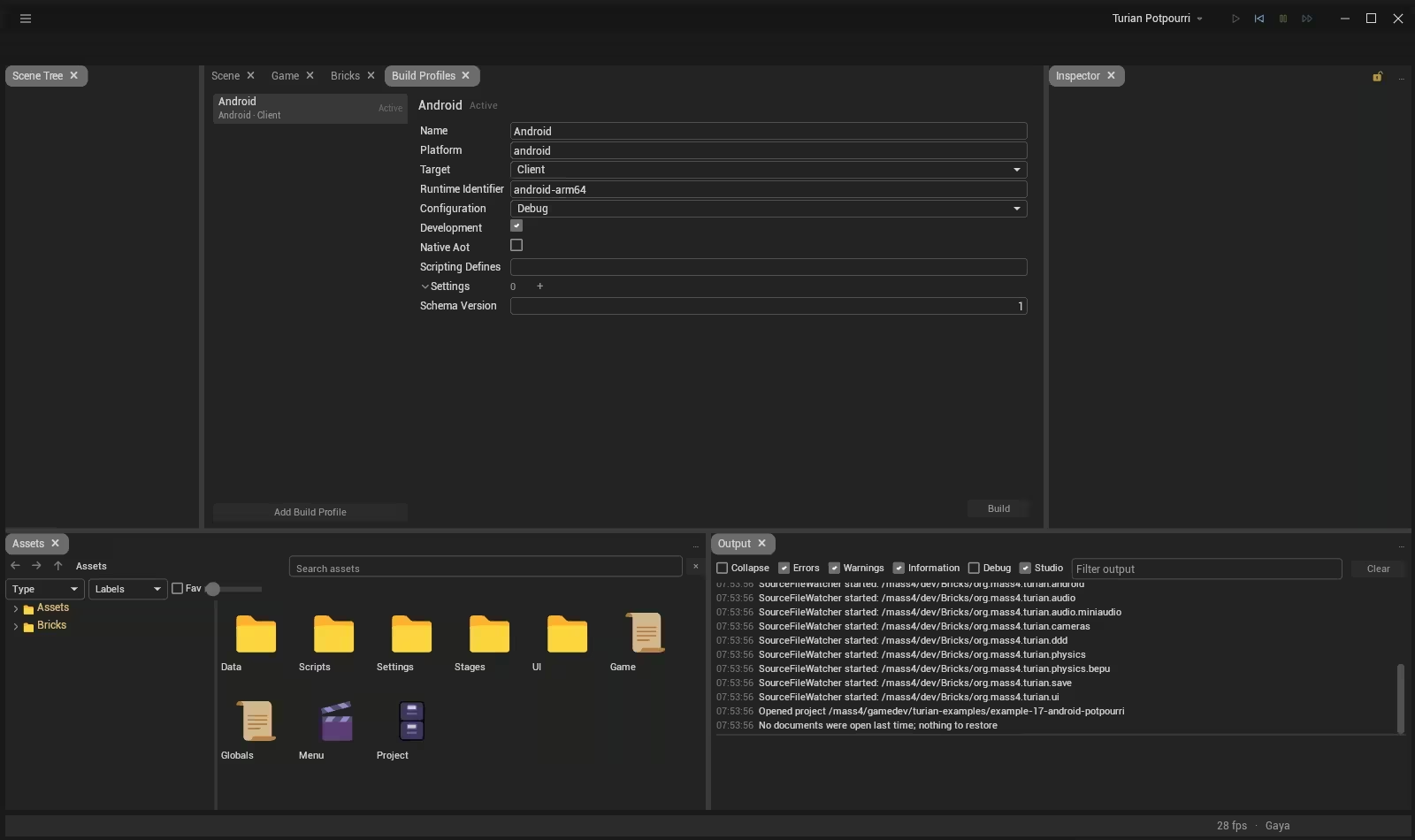
In Studio, Build & Run with an Android profile does the same: build, install, start. There is nothing to set up by hand. Turian finds the Android SDK and the JDK where Android Studio and the usual installers put them; if yours live elsewhere, Settings → Build → Android takes their folders once, for both Studio and the command line.
Touch
Guinevere learned multi-touch and safe areas last month. This month the engine's input puts them in the game. Every finger is tracked, and the first finger drives the mouse, so pointer-based interfaces work on a touch screen unchanged. "Safe areas" tell a game where the camera cutout and the rounded corners are. And in-game UI laid out for a reference resolution now scales everything with the screen, text included, so a menu designed on a monitor stays readable on a phone.
The Potpourri Demo
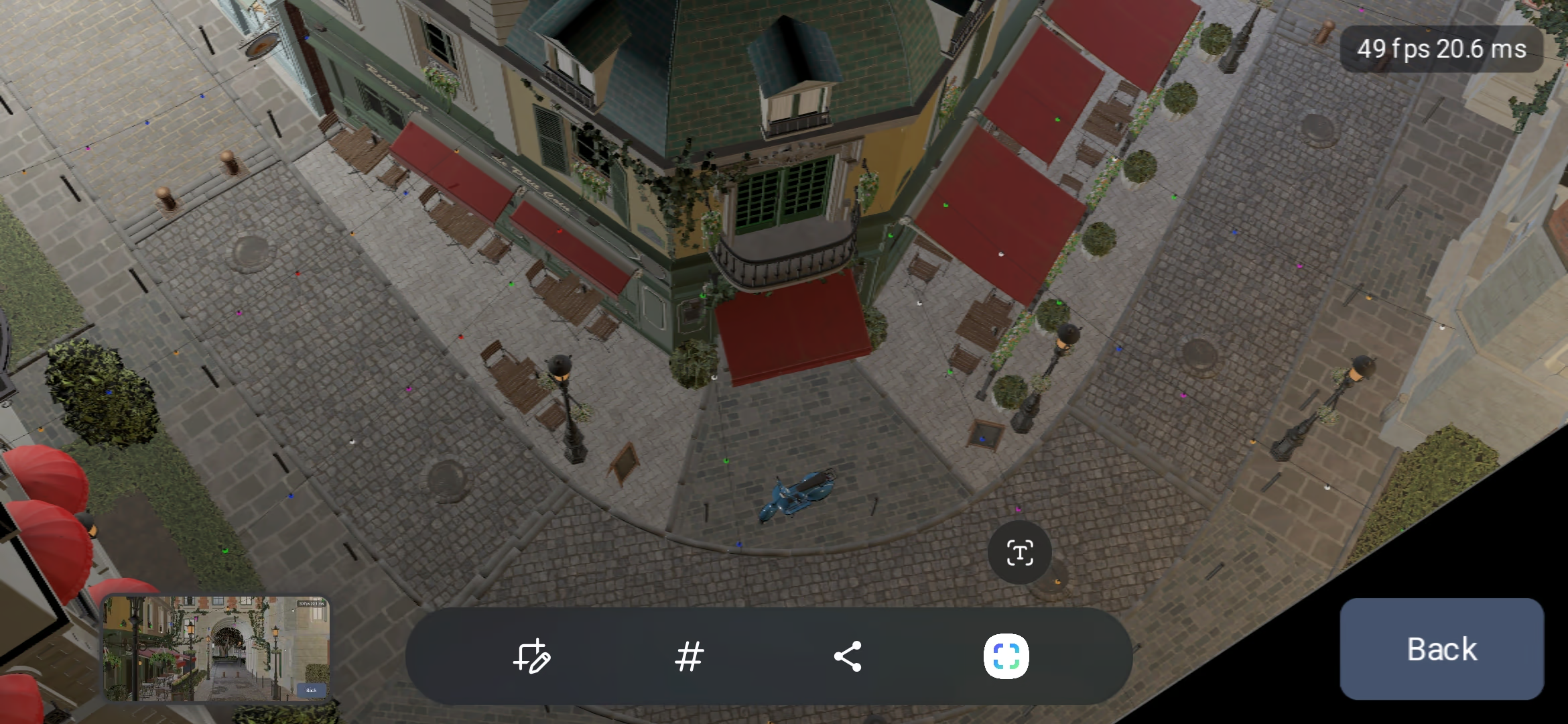
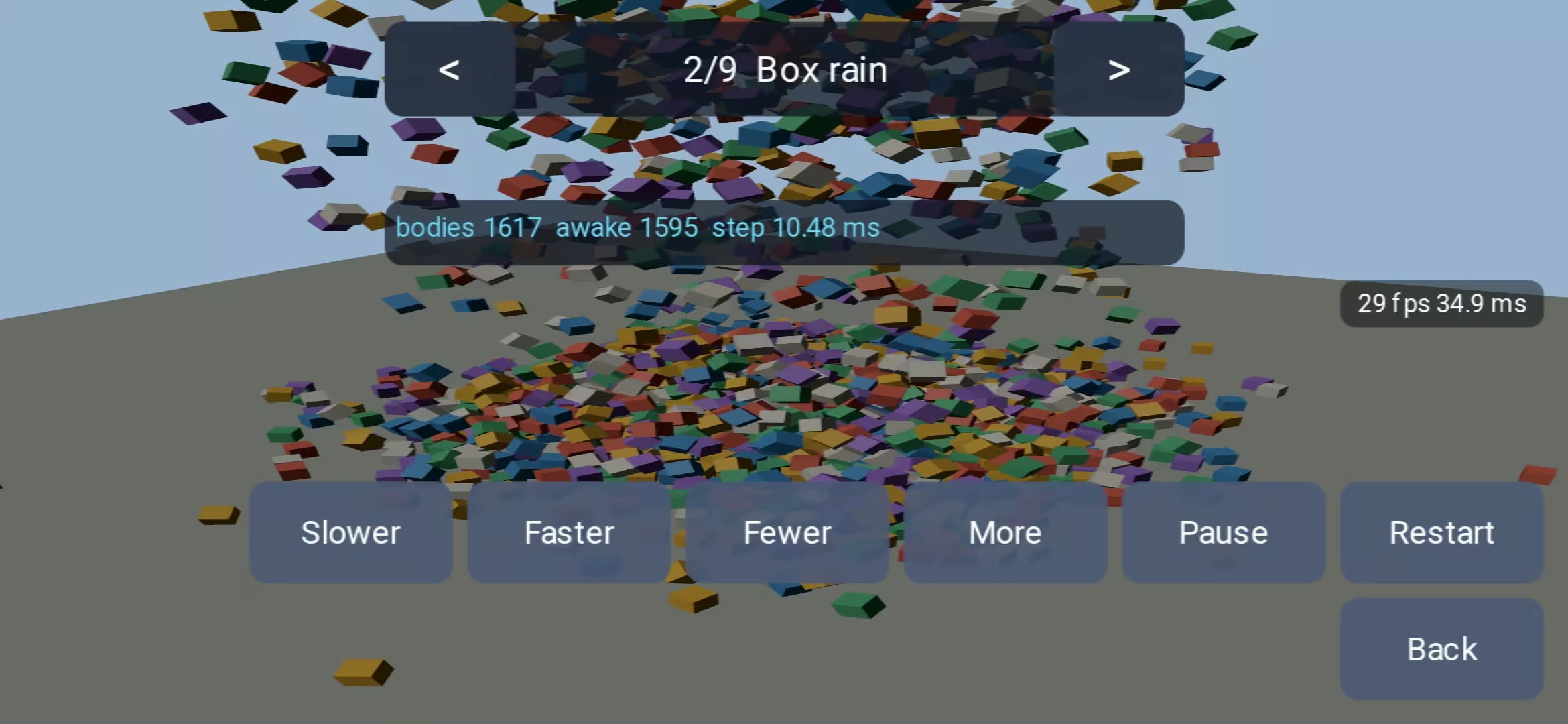
To try all of this on a real device, I put together the Turian Potpourri: one app gathering the engine's showcases behind a single menu (from several mini sample projects I created myself when developing Turian). Audio with music, spatial sound and a mixer. Nine physics demo scenes, from a rain of boxes and a tower to knock down to ragdolls and a drivable vehicle. Saving capabilities with with local and cloud slots, ten thousand instanced props, and the complex "Bistro" model scene.
Brick Package
The Brick org.mass4.turian.android, that you add to the projects that want it, like physics or audio. Projects that only ship for the desktop never carry it, and the Android platform can move at its own pace. Development builds can also include the Khronos Vulkan validation layers (org.mass4.turian.android.validation), from their own optional bricks, to catch rendering mistakes on the device.
What You Need
- The .NET 11 SDK with the Android workload:
dotnet workload install android. - The Android SDK and a JDK 17 or newer, both found automatically when installed the usual way.
- A phone or emulator with Android 13 or newer and Vulkan 1.3.
With your help
Turian is made in the open. Try Turian 4 on your phone, and tell me what you see: which device, what worked, what did not. Every report makes the next release better.
#release#engine#android#mobile#dotnet