Features
Studio
The editor. Scene tree, Inspector, asset browser, Scene and Game views and Play Mode in one dockable window, on Windows and Linux.
- Move, rotate and scale gizmos with snapping, in world or local space
- Edit many objects at once, with mixed values marked in the Inspector
- Batch delete, duplicate, reparent and move, each undone in one step
- Temporary scenes for experiments, with no asset until you save
- A Frame Statistics HUD over the Scene and Game views
- Rebindable keyboard shortcuts
C# scripting
Game code and engine are both C# on .NET 10. Scripts are ordinary classes compiled by the real compiler, and Studio recompiles them while it runs.
- Subclass
Componentand it appears in Add Component - Public fields become Inspector controls, including references to nodes and assets
asyncandawait, with waits tied to the component's lifetime- The compiler flags
async voidandTask.Delayin game code
public class Door : Component
{
    public bool IsBlocked { get; set; }

    public async ValueTask OpenAsync()
    {
        Node.Position += Vector3.UnitY;
        await Async.Seconds(2);
        await Async.Until(() => !IsBlocked);
        Node.Position -= Vector3.UnitY;
    }
}
Rendering
A Vulkan 1.3 renderer, shipped as a brick so that a server build can leave it out.
- Metal-roughness materials, point and directional lights
- Frustum culling, plus GPU occlusion culling as a brick
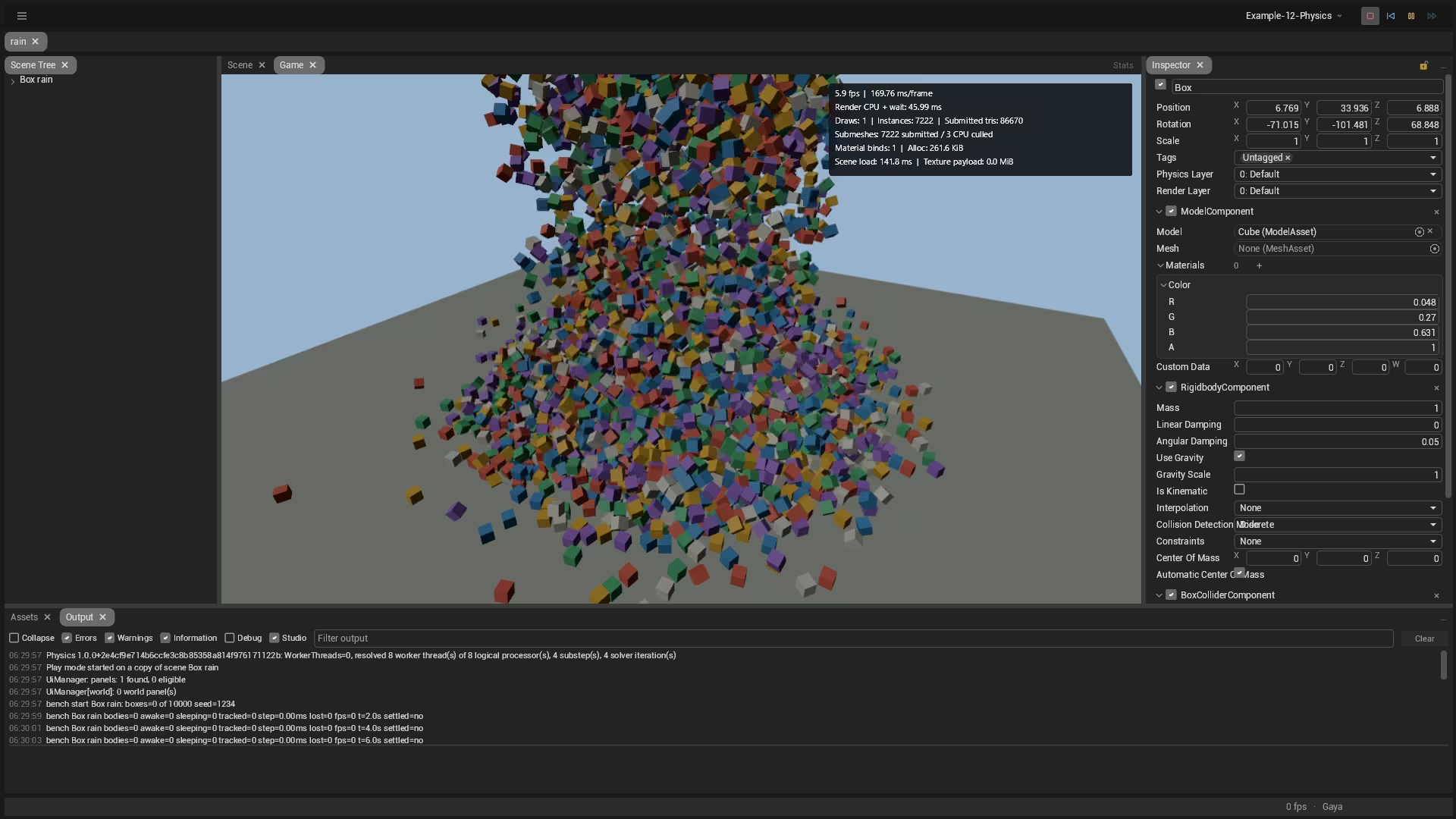
- Automatic GPU instancing and an Instanced Model component for large sets
- Line and trail renderers, and sharp world-space text from signed distance fields
- 32 rendering layers that cameras and lights can filter by
- KTX2 textures
Physics
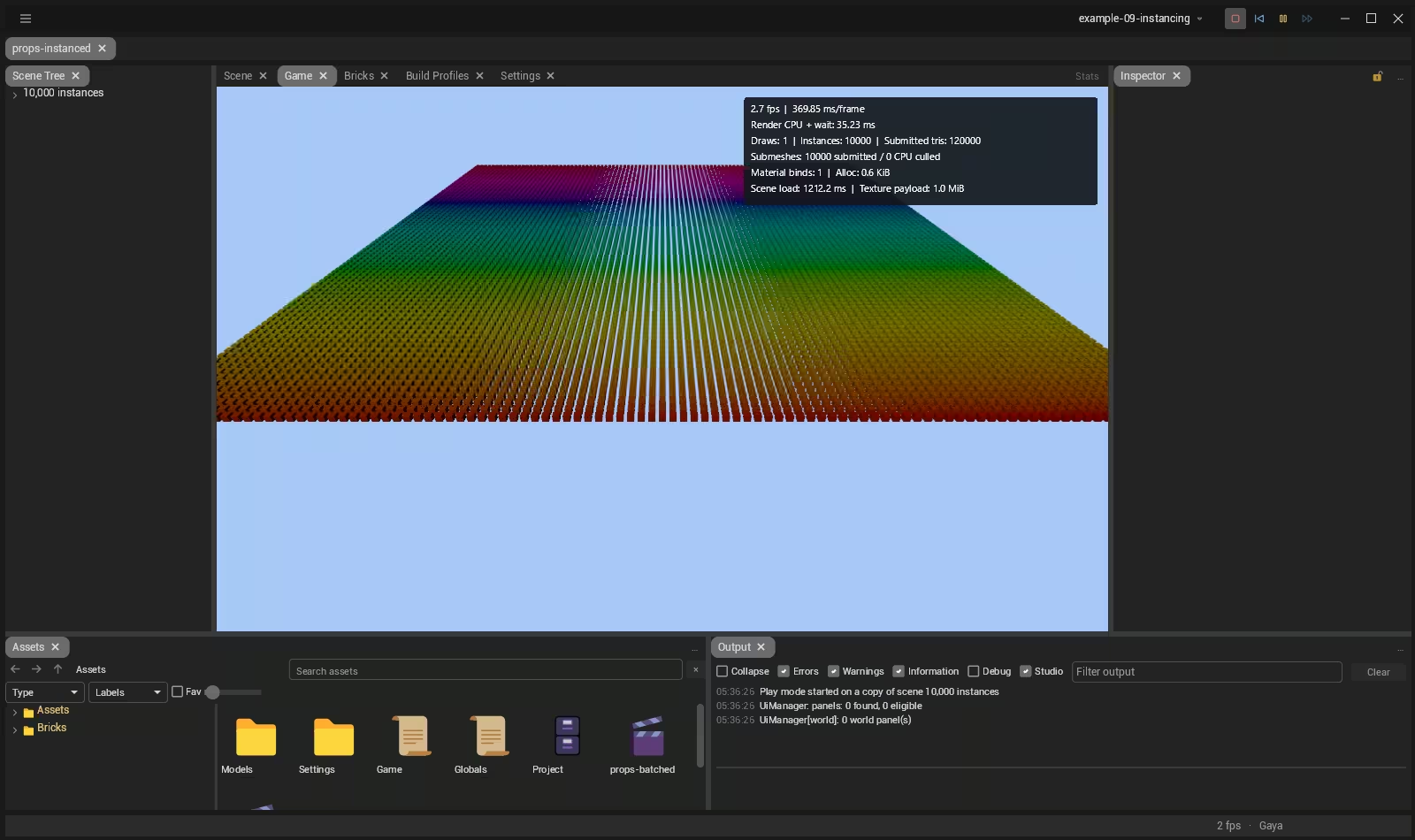
Two bricks: one holds the components and a backend contract, the other plugs in BepuPhysics v2. It's all C#, so there are no native binaries, and the names follow Unity's on purpose.
- Rigid bodies and box, sphere, capsule, cylinder, mesh and heightfield colliders
- Fixed, hinge, slider, ball-socket, distance and spring joints
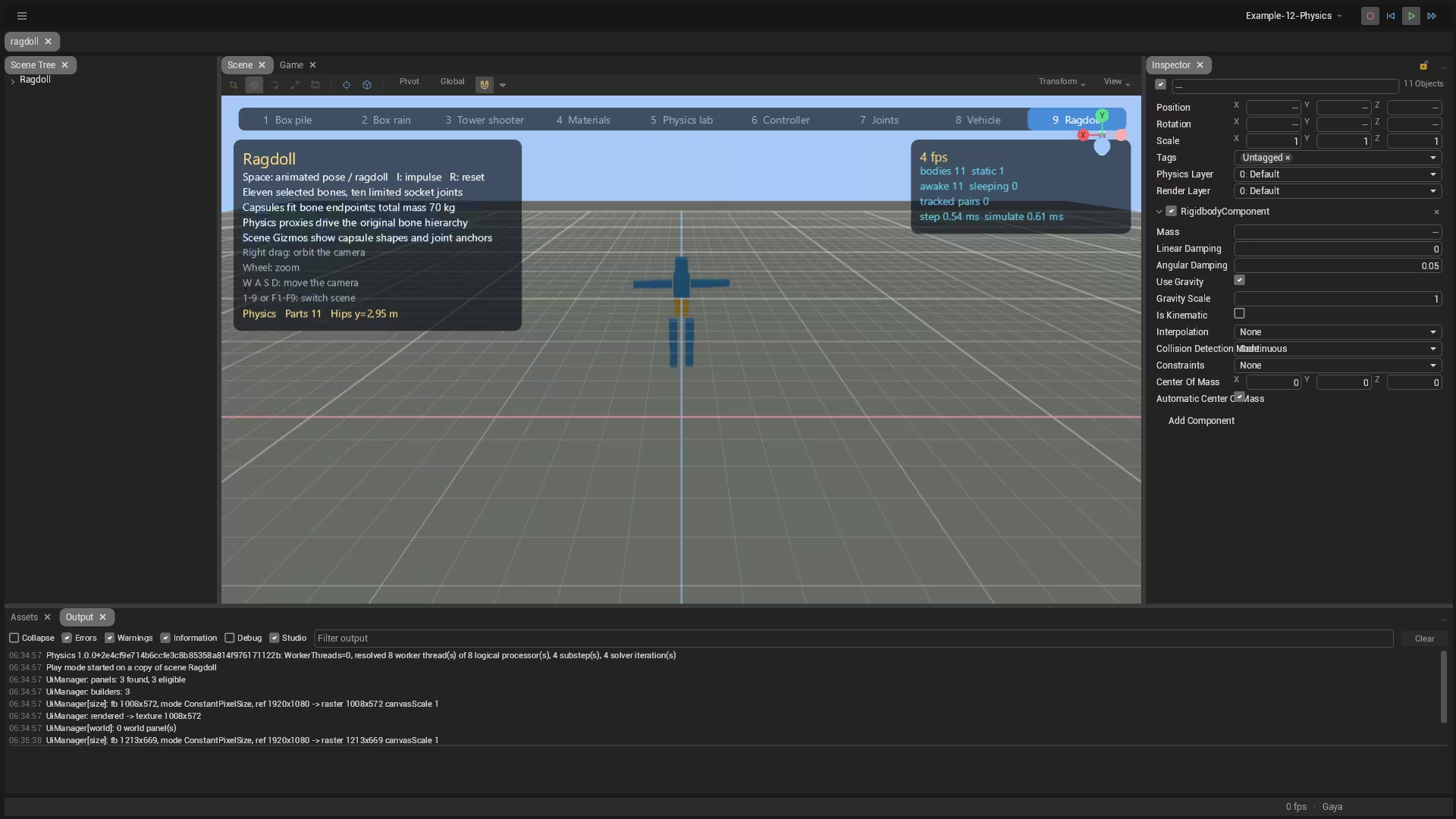
- Ragdolls built from a skeleton
- A character controller and wheel colliders for raycast vehicles
- Raycasts, shape casts, overlaps and collision callbacks
Gameplay systems
The pieces most games end up needing. Several are bricks, so you only carry the ones you use.
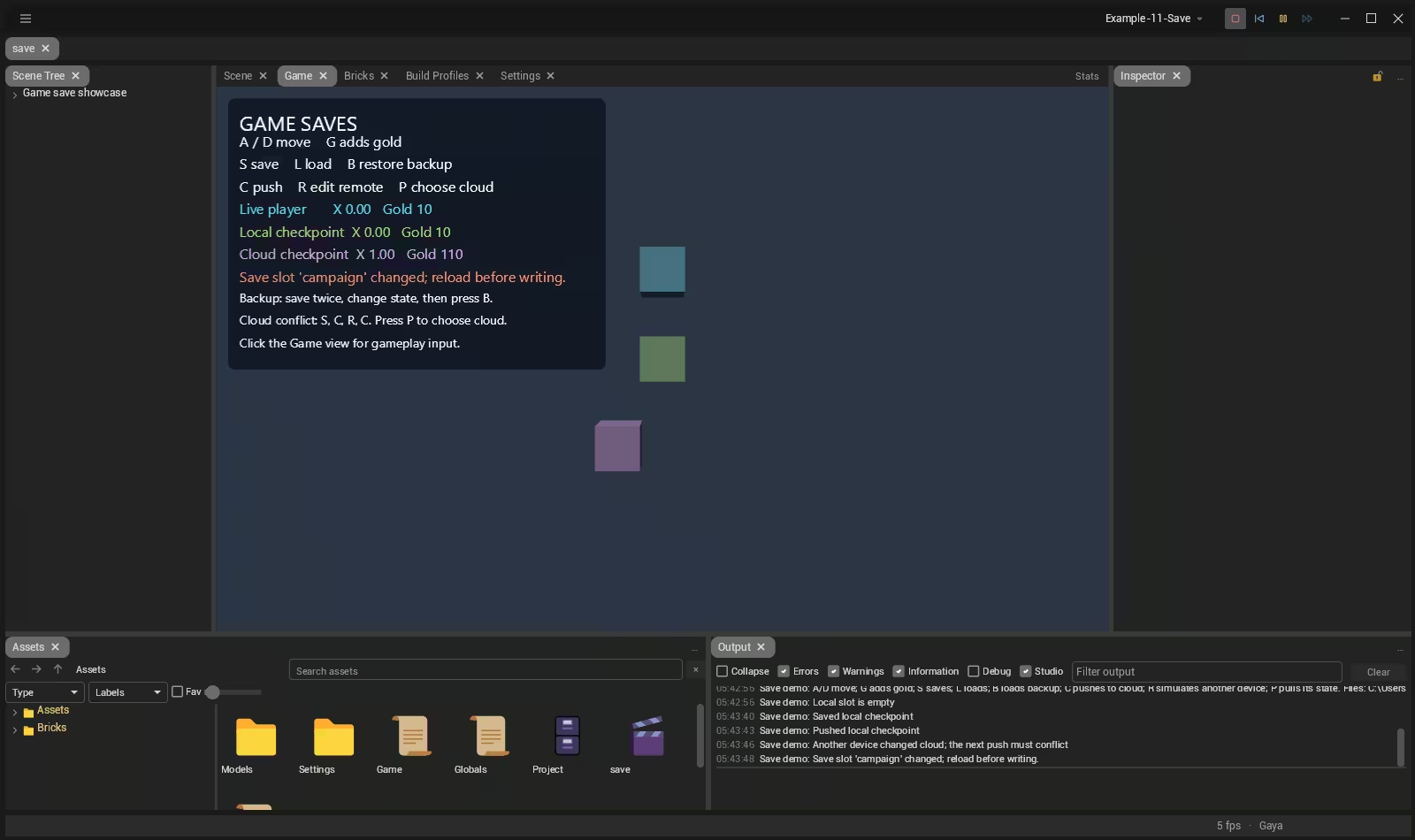
- Versioned saves with schema migrations, atomic slots and optional encryption
- In-game UI from
.uidocuments and.psssheets, with data binding - DataAsset-Driven Design: events and variables as assets that designers wire together
- Input actions, localization, tags and physics layers
Assets
glTF 2.0 is the native mesh format. A project is plain files, so it diffs in version control.
- glTF and GLB used as they are, FBX imported, OBJ through a brick
- Stable ids, so references survive moving and renaming files
- OAP packages with checksum validation for shipping content
- Import from a Unity package
Bricks and the asset store
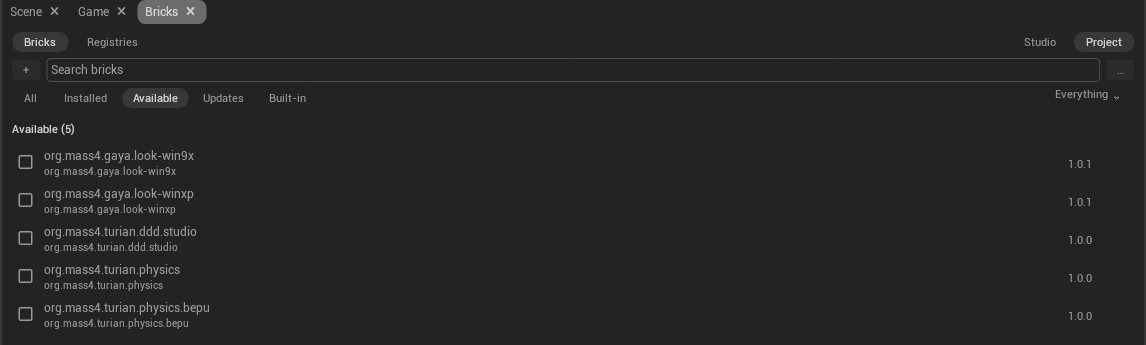
A brick is a versioned package of assets and code. Install them from Studio or the command line, browse them on the asset store, and publish your own.
- A lock file records each brick's version, hash, registry and signing key
- Use a registry version, a git commit or an archive checksum
- Fork a brick into your project, then rebase on its next release
Building and shipping
Studio is optional. Everything it builds can be built from a terminal, and players don't need .NET installed.
turian-clicreates, compiles, exports, plays and diagnoses projects- A container image,
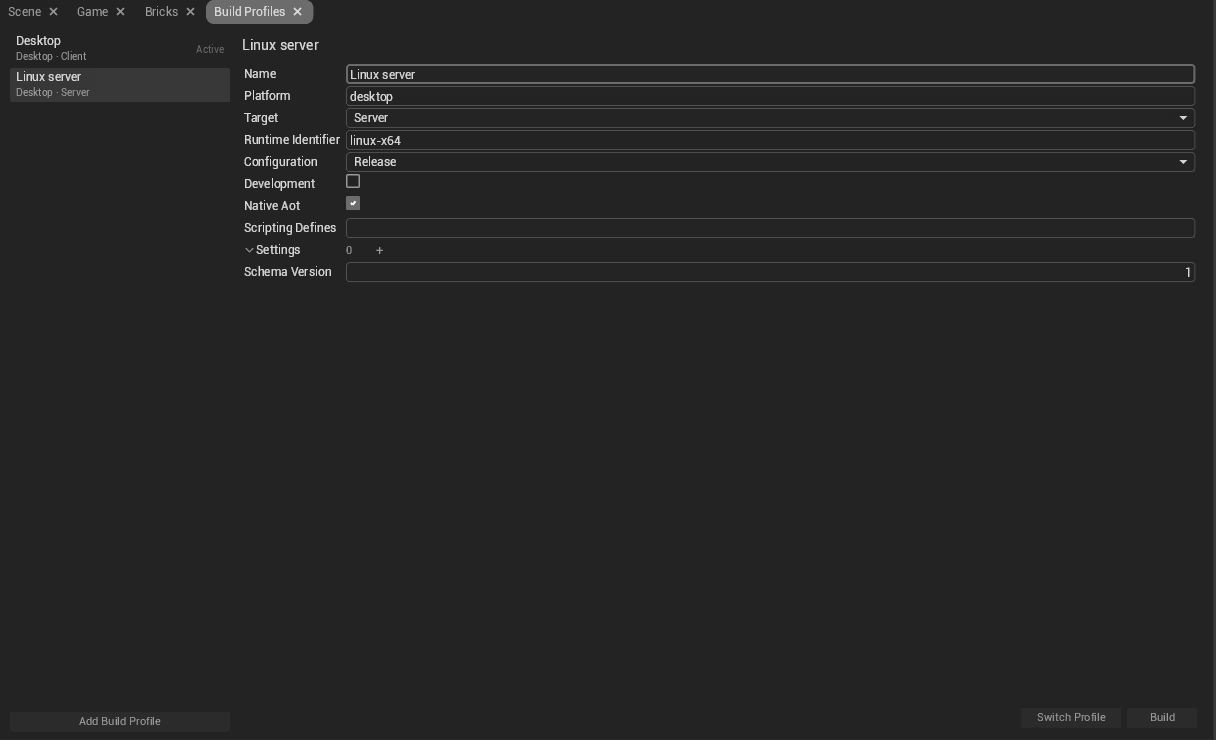
ghcr.io/mass4org/turian-cli, for your CI - Build profiles for each platform, client or server
- Headless dedicated servers, with NativeAOT on desktop
Open source
Turian is under the Mozilla Public License 2.0, the same license as Firefox. There are no seats and no royalties.
- Your games are yours, under any license you choose
- Only changes to the engine's own files are shared back
Not there yet
Turian is young. If one of these is a dealbreaker, it's better to know now. All of these features are planned for the very near future, so stay tuned!
- Audio playback
- Desktop only (not Android, iOS, console or web)
- Dedicated 2D tools
- No networking
- Terrain or navigation
- Visual Scripting
- Custom shaders
- Profiler