Build games in C#.
Turian is a 3D game engine and editor written in the latest C#. Your project stays plain files in version control, and the engine is free and completely open source.
Runs on Windows and Linux. No seats, no royalties.

Things fall down
Rigid bodies, joints, ragdolls, a character controller and wheel colliders, in bricks built on BepuPhysics. Bepu is C# all the way down, so there are no native binaries to ship.
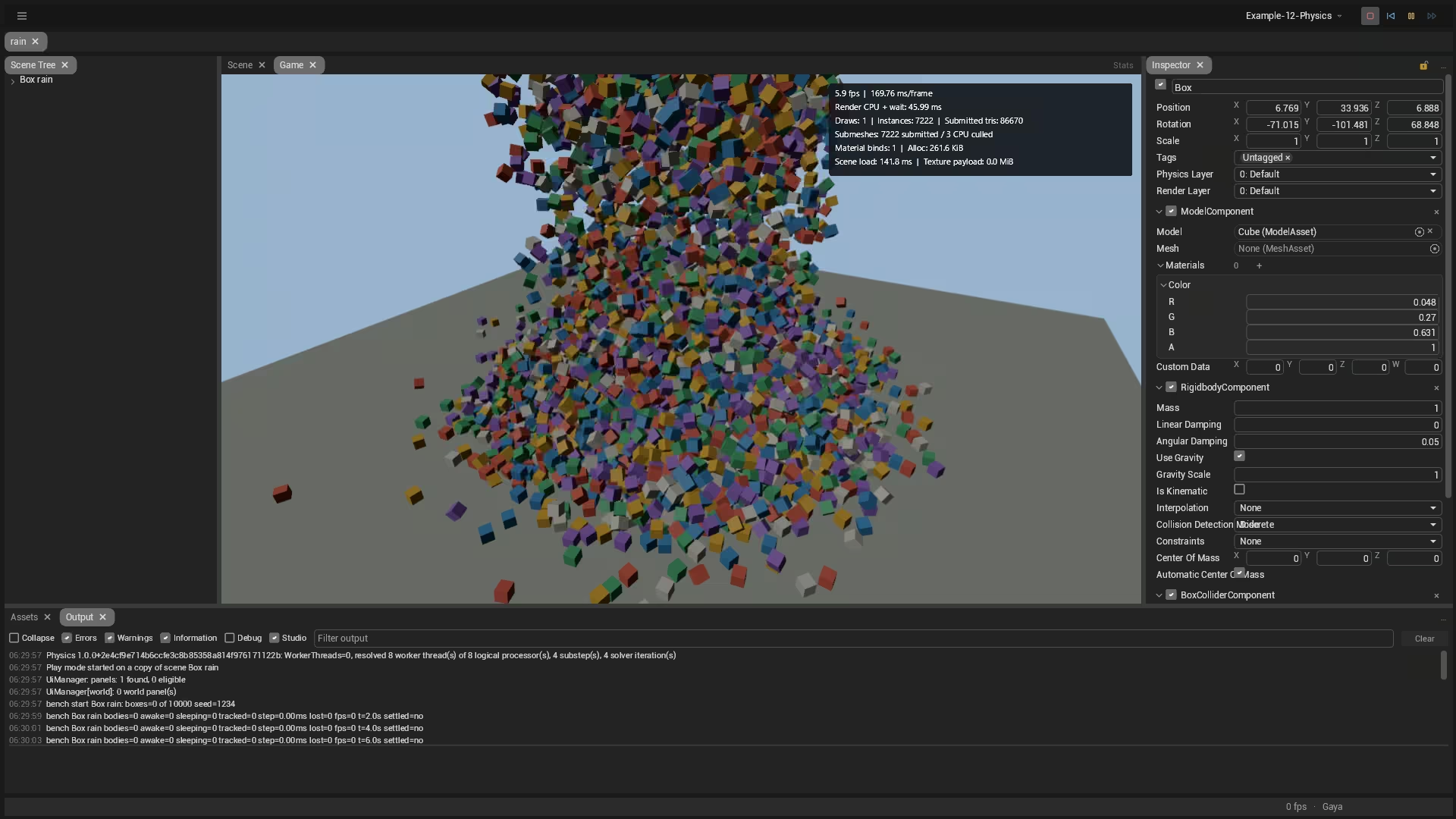
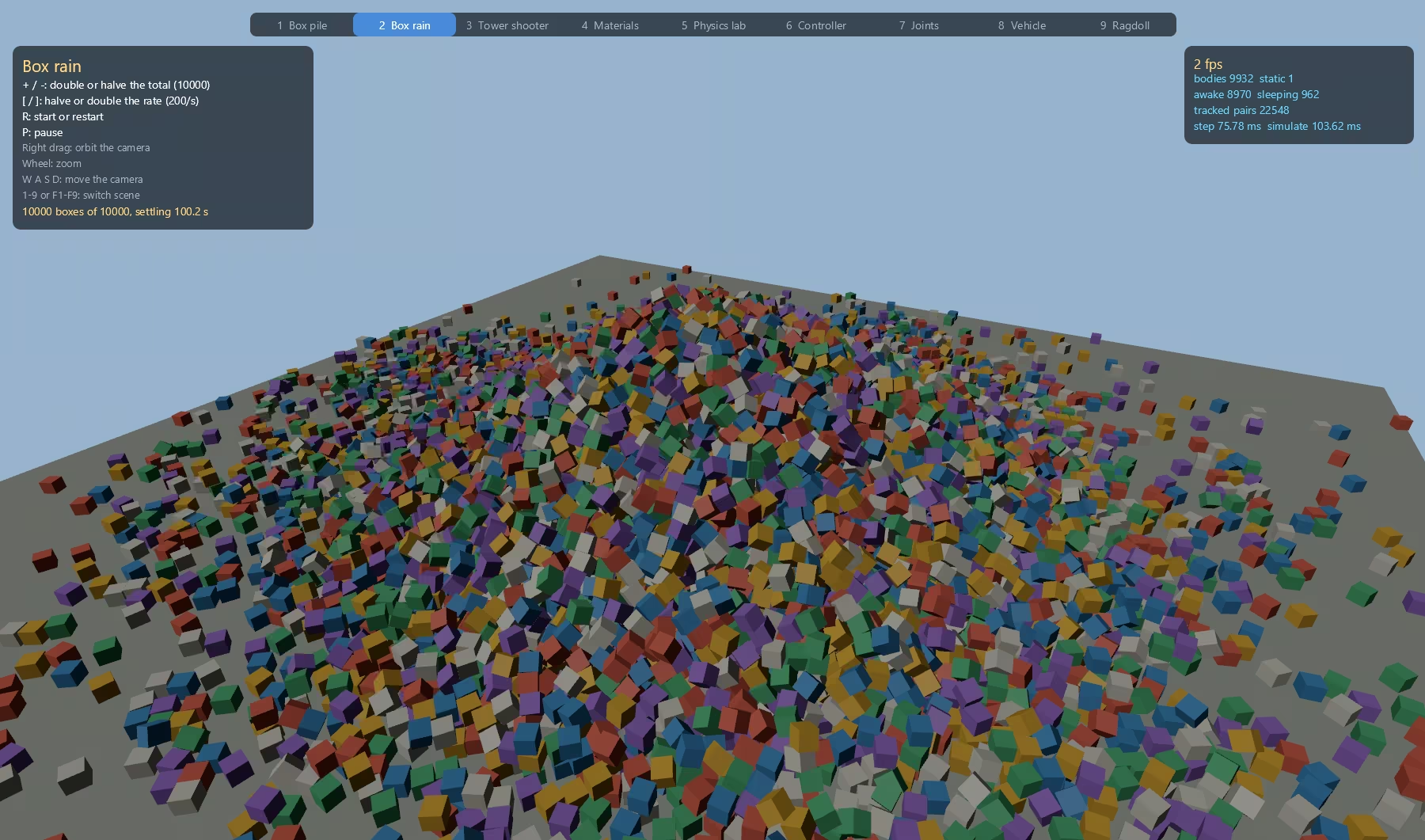 10,000 boxes falling at once. The exported game holds about 80 fps on the test workstation.
One draw call, 10,000 cubes
The Vulkan 1.3 renderer skips what the camera can't see and merges identical meshes into instanced draws. The Frame Statistics HUD shows draw calls, instances and culled objects while you work.
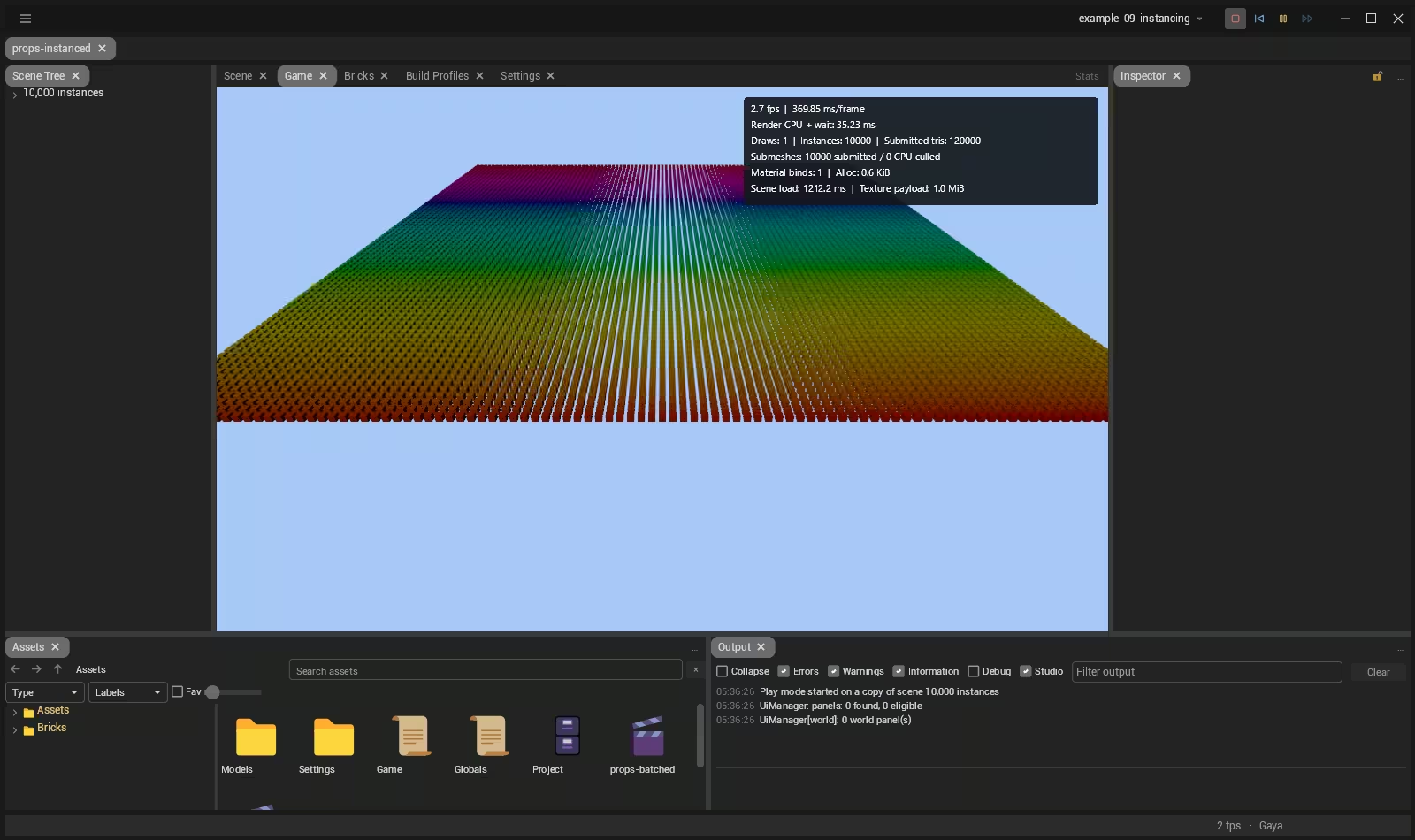 10,000 colored cubes in one instanced draw, at about 0.6 ms of CPU time.
Components are C# classes
Subclass Component and it shows up in Add Component. Public fields become Inspector controls. Waiting is plain async and await, and pending waits are cancelled when the component is destroyed. If you have used Unity, most of this will feel familiar.
public class Door : Component
{
    public bool IsBlocked { get; set; }

    public async ValueTask OpenAsync()
    {
        Node.Position += Vector3.UnitY;
        await Async.Seconds(2);
        await Async.Until(() => !IsBlocked);
        Node.Position -= Vector3.UnitY;
    }
}
Install only what you use
Physics, cameras, saves and in-game UI are bricks: versioned, signed packages you add from Studio or the command line. The asset store is young, and you can publish your own there.
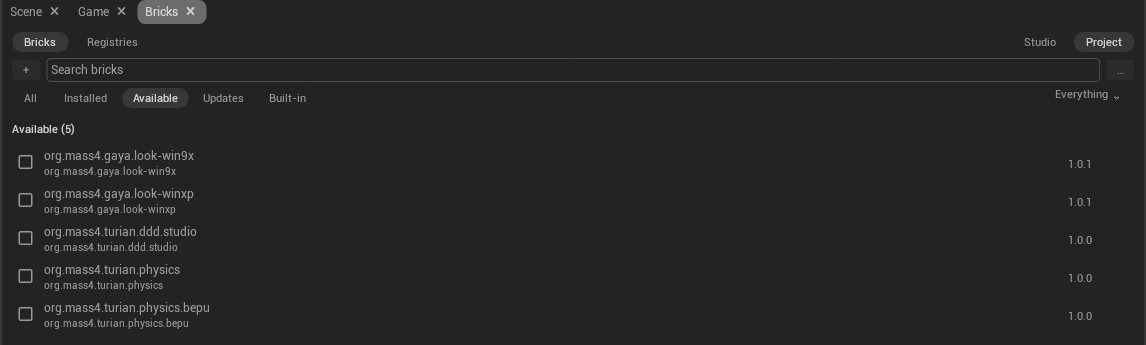 The Bricks panel in Studio, listing what the asset store has to offer.
Studio is optional
Everything the editor does also runs from a terminal: create a project, compile it, play it, export it. There is a container image for CI, and a server build leaves the renderer out.
turian-cli new MyGame
turian-studio --project MyGame
turian-cli export MyGame