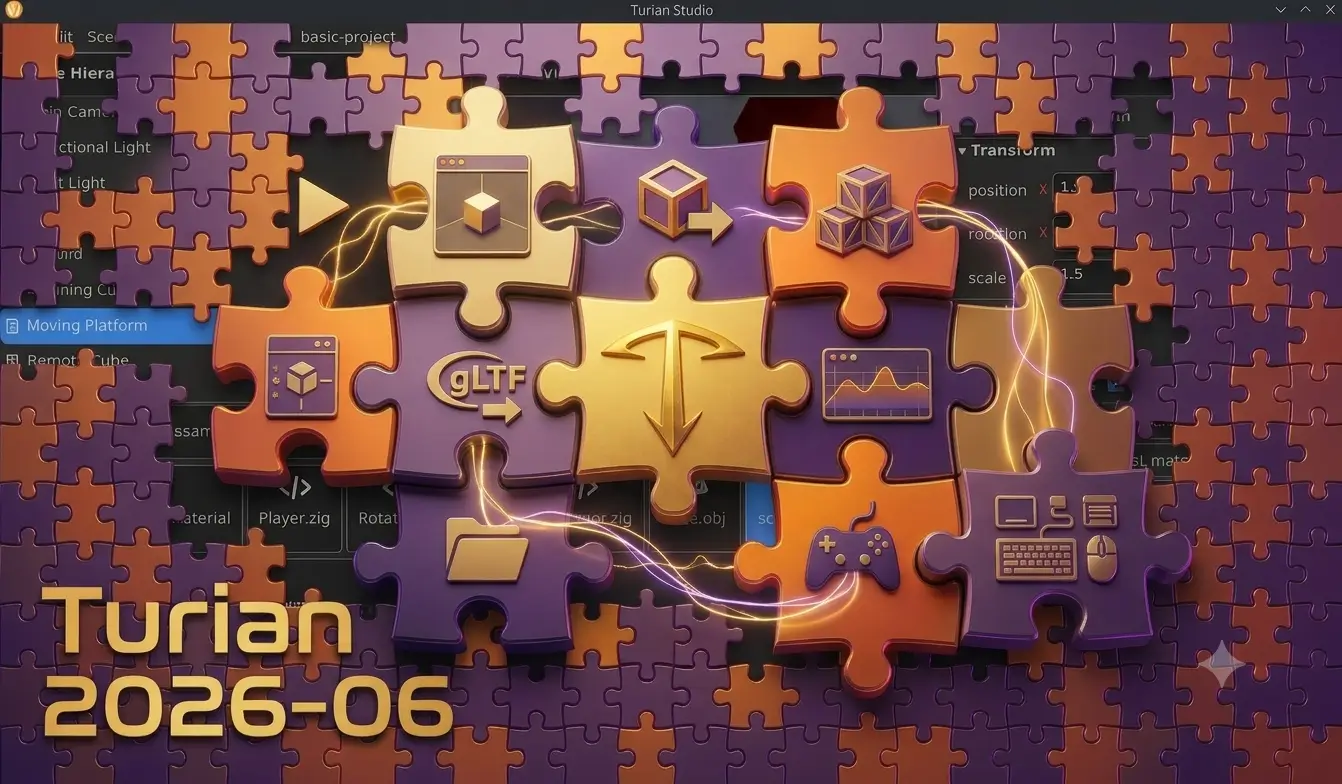
2026 June Release
Note: this post describes the Zig version of Turian, now called TurianZ. Since version 1.0.0, Turian is a C# engine — see Turian and TurianZ.
June was an exciting month for Turian.
Just eighteen days after the project's first official commit, Turian Studio has grown into a fully integrated game development environment. During that time we shipped 9 public releases, introducing systems that developers expect from a modern engine: reusable assets, prefabs, in-editor play testing, scene management, 3D asset importing, profiling, remote debugging, and even an MCP server for AI assistants.
Rather than focusing on isolated engine features, this first development sprint was about completing the everyday workflows that make building games enjoyable. The result is an editor where developers can create assets, assemble scenes, test gameplay, inspect running games, and iterate without constantly leaving their workspace.

Building Games Faster
DataAssets
Ticket #11
Every game contains data that isn't really code: enemy definitions, item statistics, dialogue trees, input mappings, balancing parameters, project settings, and much more. Hardcoding these values quickly becomes difficult to maintain, especially as projects grow.
Turian now includes DataAssets, reusable assets inspired by Unity's ScriptableObjects but designed around Zig. Any component can become an editable asset simply by opting into the system. The editor automatically discovers available asset types from the project's source code, allowing developers to create and edit them directly inside the Inspector.
DataAssets are stored as human-readable JSON files and referenced internally by GUID, meaning they continue working even if files are moved or renamed. They have become the foundation for several engine systems and provide developers with a clean way to separate gameplay data from code.
Input Actions
Modern games shouldn't care whether the player pressed D, the left stick, or a touchscreen button—they should simply know that the player wants to move.
Turian's new input system introduces named actions like "jump", "move" or "fire", allowing gameplay code to remain independent from physical devices. Input mappings live in editable project assets and can be changed without touching game logic.
Gamepad support arrived alongside the new system, including analog sticks, triggers, D-pad, buttons and rumble support. Whether developers are building platformers, twin-stick shooters or UI-driven games, the same gameplay code works across keyboard, mouse and controllers.
Project Settings and Scene Management
A game project needs more than scenes—it needs identity.
Turian now includes a dedicated Project Settings asset where developers configure everything from application name, version and company information to graphics settings, window resolution, fullscreen behavior and startup scene. These settings are edited through the Studio interface instead of configuration files.
Complementing this is a brand-new Scene Manager capable of loading and unloading scenes, supporting additive loading, persistent objects, asynchronous loading and progress reporting. Together these systems make it practical to build projects larger with more than a single level while keeping project configuration centralized and easy to manage.
Asset References
Ticket #43
Strongly typed asset and scene references now allow projects to safely reference other assets even when files are reorganized, making large projects easier to maintain. The engine architecture also continues moving toward explicit dependency injection through engine.Frame, simplifying system interactions while avoiding global state and static singletons.
A Better Editing Experience
Play Mode
Ticket #31
Instead of compiling the project, launching another executable and waiting for everything to reload, developers can now press Play directly inside Turian Studio. The editor starts the game, routes player input to the running simulation and allows pausing, stepping frame-by-frame or stopping execution—all without leaving the editing environment. And the editor restores the scene exactly as it existed before testing began.
A Play Global button also makes it possible to launch the project's configured startup scene regardless of which scene is currently being edited, making it easier to test complete game, from the beginning.

Prefabs
Ticket #32
Reusing content is essential for every game, whether that's enemies, pickups, buildings or entire gameplay systems.
Turian now supports Prefabs, reusable collections of scene nodes that can be instantiated multiple times across different scenes. Changes made to the original prefab automatically propagate to existing instances while still allowing individual instances to override any property when necessary.
Creating prefabs is fully integrated into the editor through a simple "Create Prefab from Selection" action, making it easy to turn existing scene content into reusable building blocks. The result is a workflow familiar to developers coming from other modern engines while remaining entirely text-based and version-control friendly, like Git.

Gizmos
Good tools "disappear" into the background, letting developers focus on building games instead of fighting the editor.
Turian Studio now includes familiar translation, rotation and scale gizmos directly inside the 3D viewport, complete with snapping and interactive manipulation. Cameras, lights and colliders also visualize themselves automatically, making complex scenes easier to understand at a glance.
The editor itself received numerous workflow improvements throughout the month. Multiple assets and scenes can remain open simultaneously through a tabbed interface, the Inspector has become cleaner and easier to navigate, the Asset Browser now supports inline renaming and filtering, and file changes on disk are detected automatically.
Taken together, these improvements make the editor feel less like a collection of individual tools and more like a cohesive development environment.

Better 3D Asset Workflow
Importing Models, Materials and Textures
Creating game assets is rarely done inside the engine, so importing content from external tools is a critical workflow.
Turian now imports glTF 2.0 and GLB files (the new major industry standard), automatically extracting meshes, physically based materials, textures and scene hierarchies. A single imported file can generate reusable engine assets while also producing a ready-to-use prefab representing the original model structure.
Materials can be inspected and edited directly within Studio, while imported textures remain linked to generated assets. This means artists can continue working in their preferred content creation tools while developers keep working inside the editor with minimal friction.

Debugging and Performance
Profiler
Ticket #35
Performance optimization is often left until late in development, but having the right tools available early makes finding problems significantly easier.
Turian now ships with an integrated profiler capable of recording CPU activity, GPU statistics and rendering metrics. Developers can inspect frame timelines directly inside Studio, scrub through captured frames and export traces for deeper analysis using tools like Perfetto.
The profiler also integrates with testing scenes, allowing performance captures to be recorded while using Play Mode without requiring external tools.

Remote Debugging and AI Integration
Perhaps the most ambitious addition this month is Turian's remote debugging infrastructure.
A running game can now expose its scene hierarchy, entities, components, assets and performance information through an open remote debugging protocol. Developers can inspect and modify the running world, reload assets, capture profiling information and diagnose problems without restarting the game.
Built on top of this protocol is an MCP Server, allowing AI assistants to interact with running games using standardized tools. Rather than being a separate implementation, both the editor and the MCP server share the same underlying "introspection" system, ensuring they always present a consistent view of the project.
This architecture opens the door not only for AI-assisted development, but also for custom external tools, automation pipelines and future editor extensions.

Looking Ahead
June wasn't just about adding features—it was about making Turian feel like a complete development environment. These features establish the workflows developers rely on every day, providing a solid base for future work on rendering, animation, physics and gameplay systems.
Download the latest release, explore the roadmap, and if you'd like to follow development or contribute, join us on Discord or Matrix.
See you in the editor.
#release#editor#engine#studio